Registration GuideProtect Your OTP

UK777 Registration Guide: How to Create an Account

Registration Guide

UK777 registration may require a mobile number, password and one-time verification code. Some account versions may also ask for an email address, referral code or identity details.

The exact registration form can differ between domains. Before entering personal information, confirm that you are using the intended website or application.

Do not create an account through a link sent by an unknown person. Fake registration pages can collect mobile numbers, passwords and OTP codes.

Registration GuideProtect Your OTP
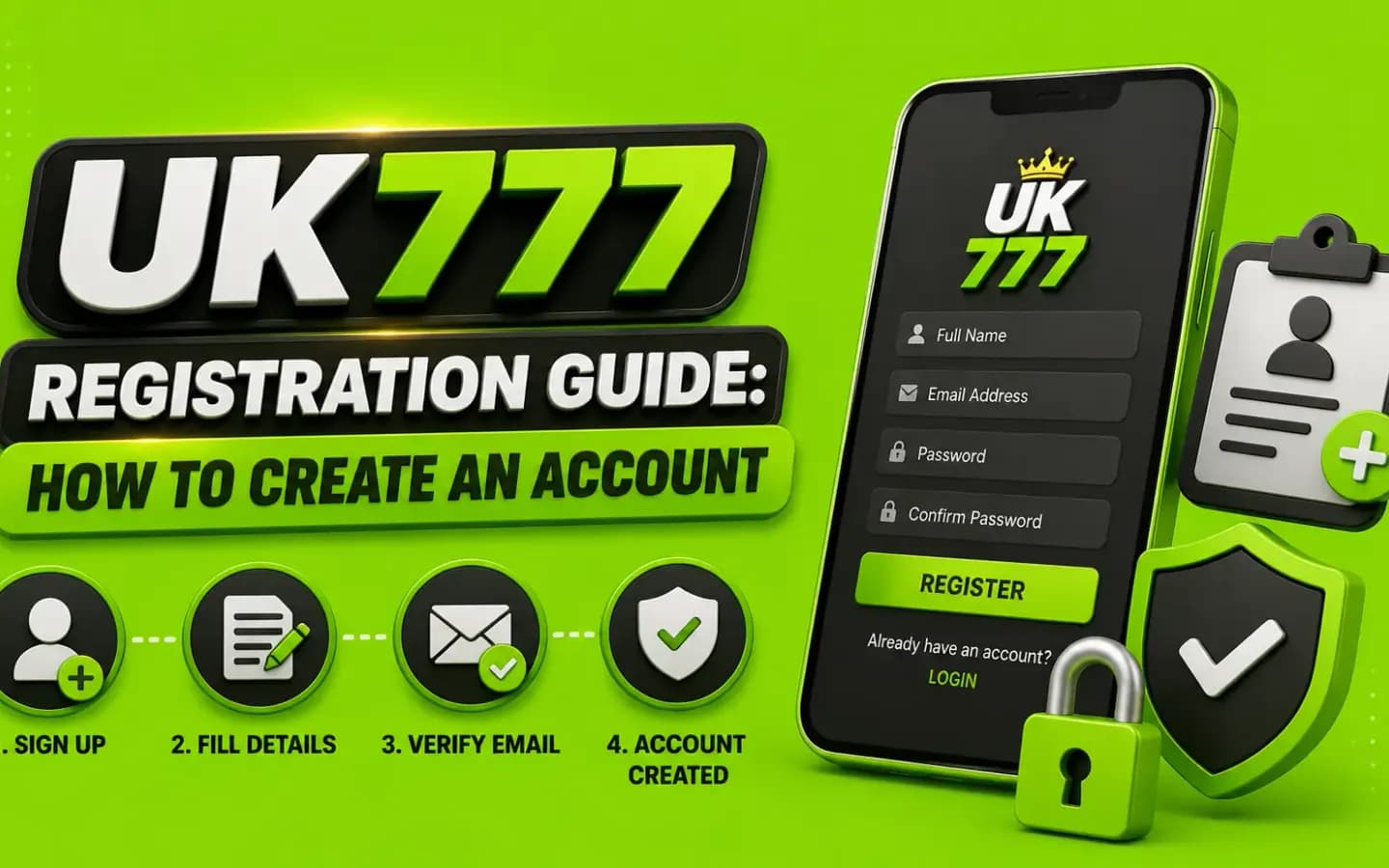
UK777 registration guide illustrating the sign-up form used to create a new game accountOverviewRegistration Guide
UK777 registration guide — how to create an account
PreparationIn-Depth

What You May Need for Registration

Prepare:

  • An active mobile number
  • Access to incoming SMS
  • A unique password
  • A valid email address, when requested
  • Correct legal-age information
  • Identity details, if verification is required
  • A referral code, only when you understand its conditions

Never provide false identity information. It can cause problems when verifying the account or requesting a withdrawal.
StepsVisual Guide

How to Register on UK777

Steps

A typical process may be:

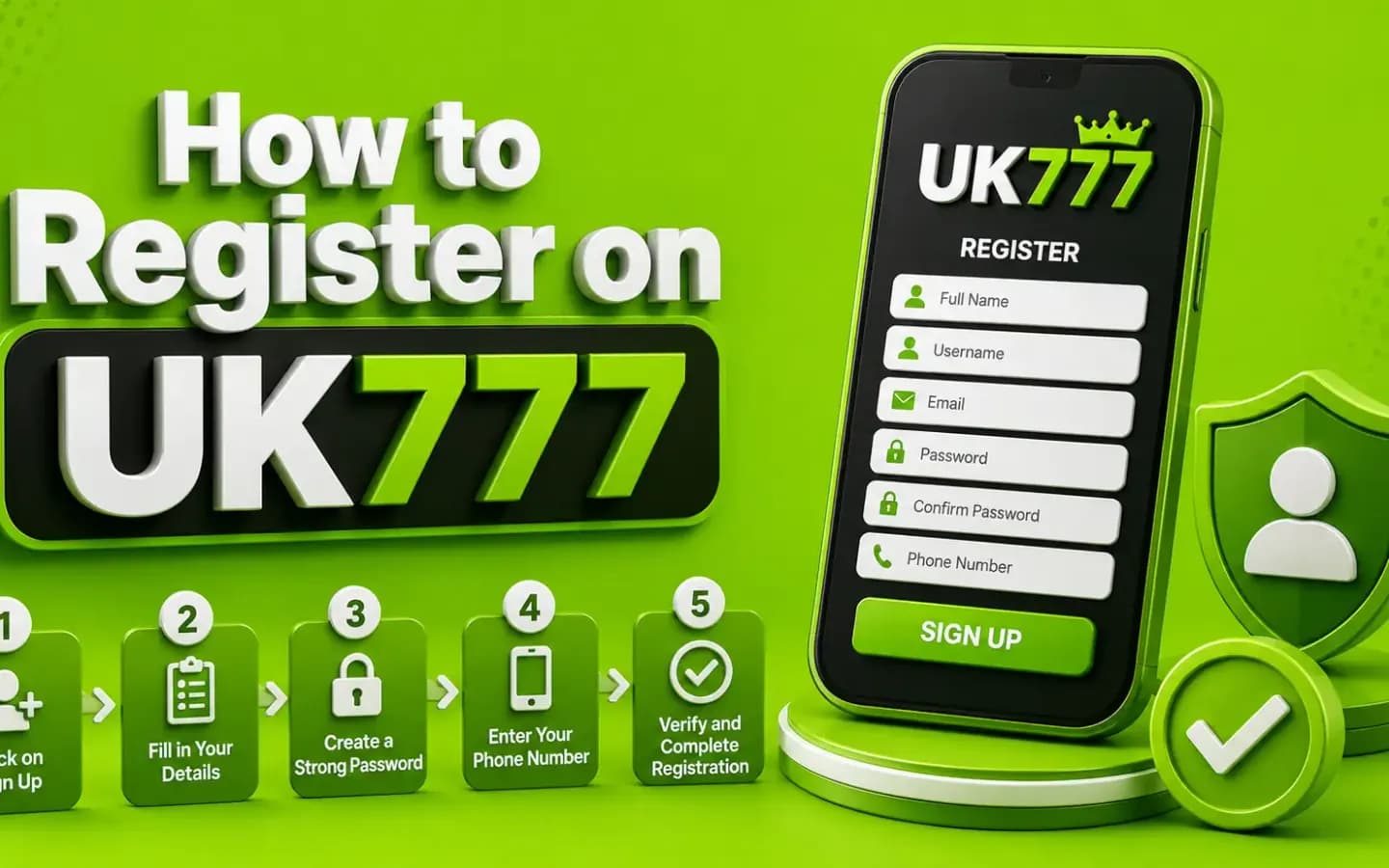
How to register on UK777, showing the account creation form being filled in02Visual Guide
How to register on UK777
  1. 1Open the verified UK777 website or app.
  2. 2Select Register or Sign Up.
  3. 3Choose the correct country code.
  4. 4Enter your active mobile number.
  5. 5Create a strong password.
  6. 6Confirm the password.
  7. 7Enter a referral code if applicable.
  8. 8Request an OTP.
  9. 9Enter the received code.
  10. 10Review the terms.
  11. 11Submit the form.
  12. 12Confirm that the account dashboard opens.

Take a screenshot of the account ID when registration is complete, but do not share it publicly.

SecurityVisual Guide

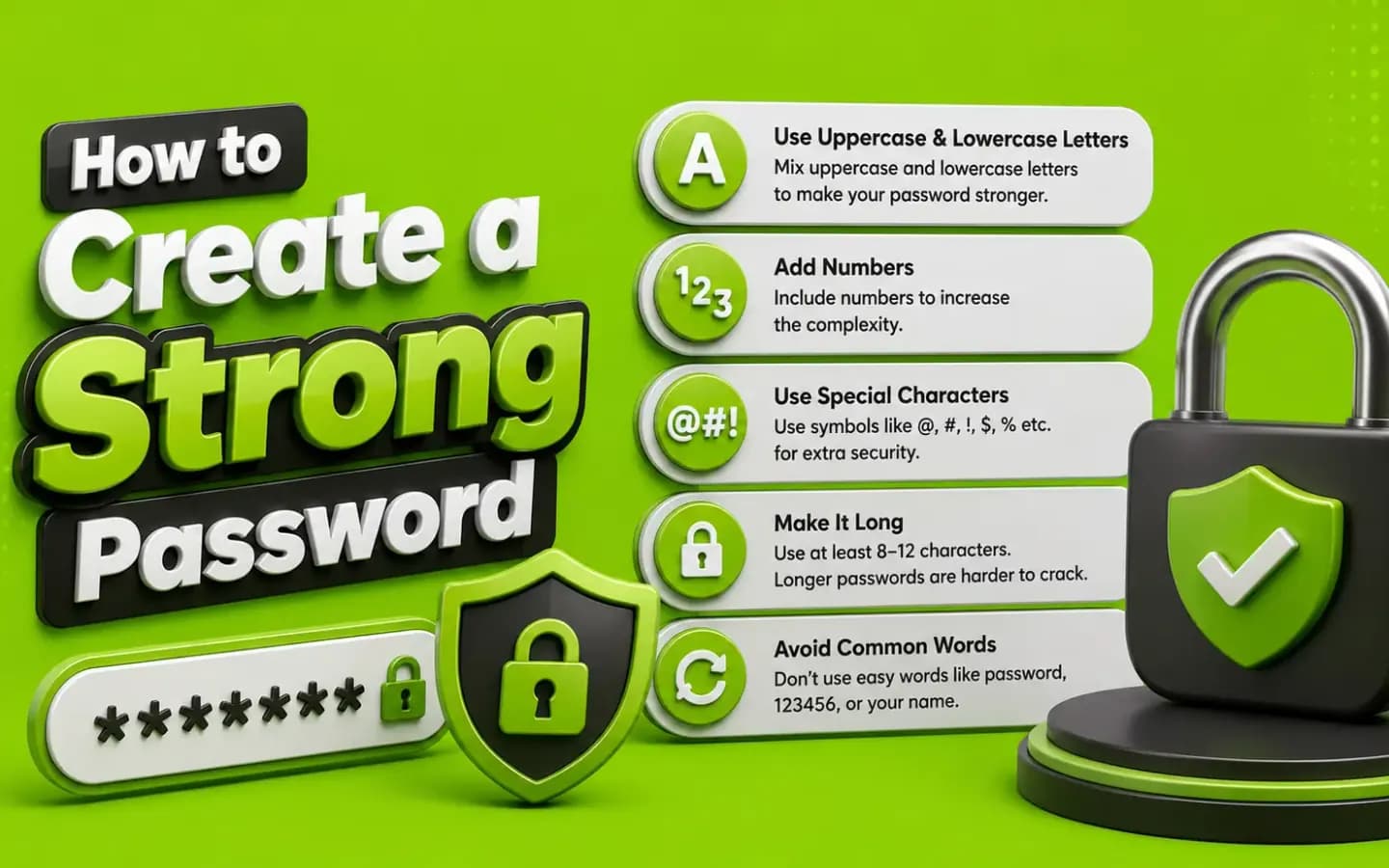
How to Create a Strong Password

Security

Use a password that:

Creating a strong UK777 password, showing password strength and credential security03Visual Guide
Create a strong UK777 password
  • Has at least 12 characters
  • Contains letters, numbers and symbols
  • Is not used on another website
  • Does not include your phone number
  • Does not contain your name or birth year
  • Is stored in a reputable password manager

Do not use the same password for UK777 and your mobile wallet.

VerificationVisual Guide

UK777 OTP Verification

Verification

An OTP is normally used to confirm control of a mobile number.

Protect it carefully:

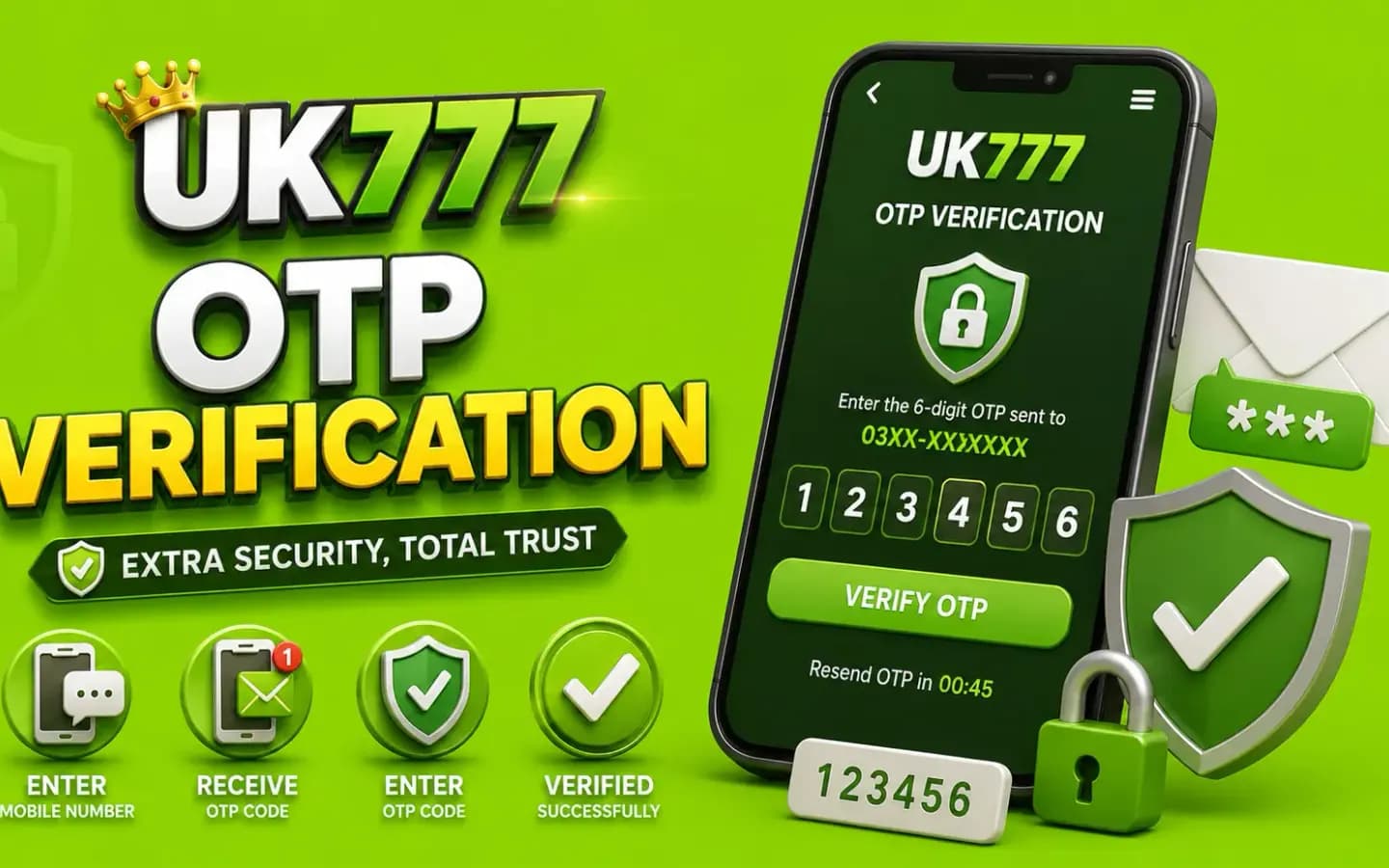
UK777 OTP verification screen where the SMS confirmation code is entered04Visual Guide
UK777 OTP verification
  • Never send it to an agent.
  • Do not enter it on another domain.
  • Check the requested action before submitting it.
  • Ignore calls asking you to read the code aloud.
  • Request a new OTP only when the previous one expires.

A legitimate support representative should not need your password or OTP.

ReferralsIn-Depth

Referral Code Considerations

A referral code may connect the new account to another user or promoter.

Before using one, check:

  • Whether it changes eligibility for bonuses
  • Whether the inviter receives a commission
  • Whether the code can be removed later
  • Whether special conditions apply
  • Whether the referral offer appears in written terms

Do not accept claims of guaranteed rewards or income.

After You RegisterVisual Guide

Account Safety After Registration

After You Register

Complete these actions:

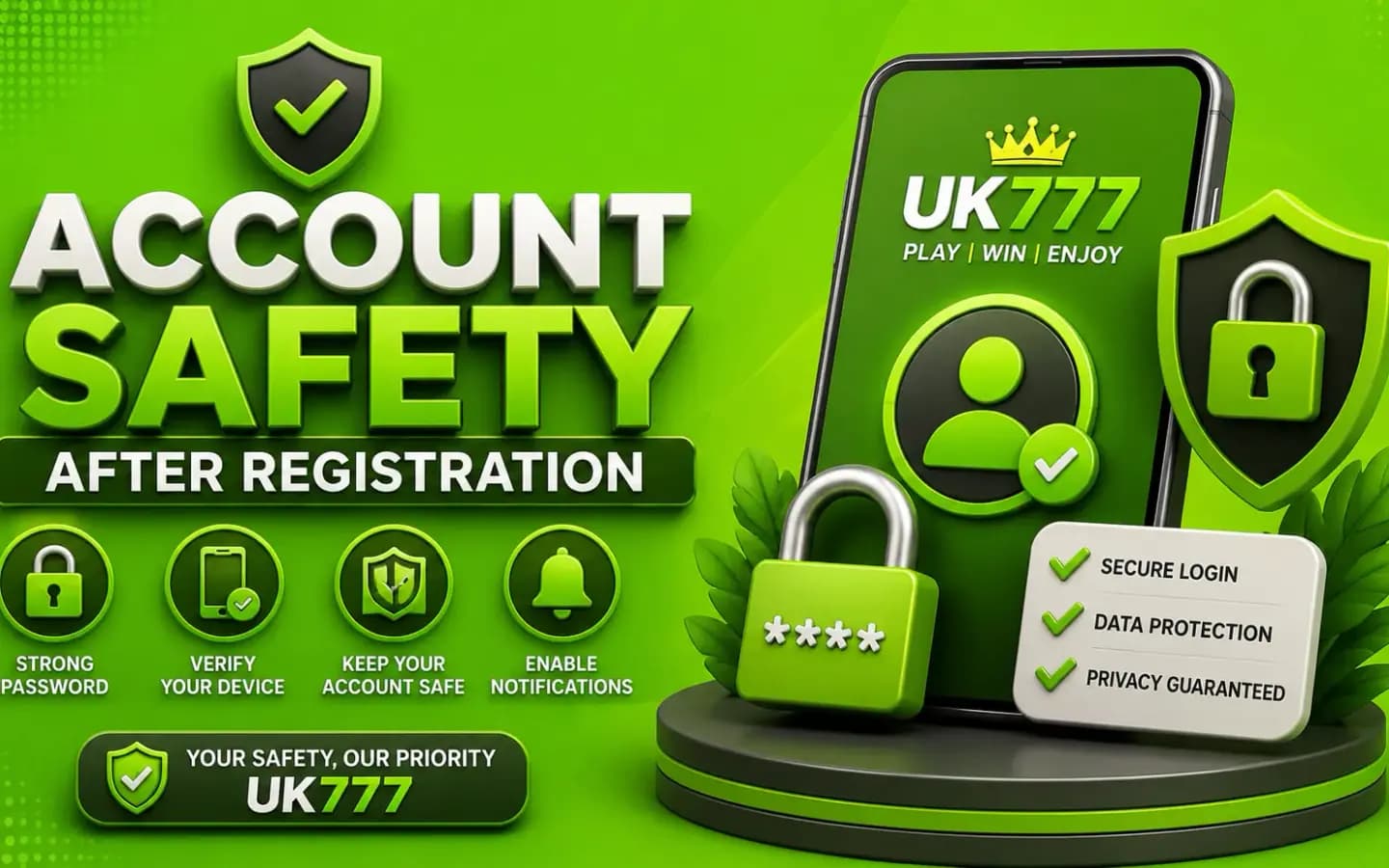
UK777 account safety checklist to follow immediately after registration06Visual Guide
UK777 account safety after registration
  • Save the correct login address.
  • Store the account ID privately.
  • Enable available security controls.
  • Review active sessions.
  • Set responsible spending limits.
  • Confirm recovery information.
  • Read deposit and withdrawal terms.
  • Avoid sharing the account with another person.
Money MattersIn-Depth

Registration and Financial Risk

Creating an account does not require making an immediate deposit.

Read the platform rules first. Check whether:

  • Identity verification is required for withdrawal
  • Bonus conditions affect cash-out
  • Payment-account names must match
  • Accounts can be closed
  • Deposit limits are available
  • Self-exclusion tools exist

Do not borrow money or use funds required for bills.

SupportSolutions

Common Registration Problems

Sign-up issues are usually quick to resolve — check the likely cause below before trying again.

01OTP Not Received

Confirm the phone number, country code and mobile signal. Wait before requesting another code.

Too many attempts may trigger a temporary restriction.

02Mobile Number Already Registered

The number may be linked to an older account. Use the password-recovery option rather than creating several accounts.

Multiple accounts may violate platform conditions.

03Referral Code Is Invalid

Check spelling and expiry. Registration should not be delayed merely because an optional code does not work.

04Registration Button Does Nothing

Try an updated browser, clear temporary website data and check the internet connection. Avoid submitting the form repeatedly.

05Age or Identity Verification Fails

Enter information exactly as it appears on the requested document. Do not upload identity files through unofficial chat contacts.

Wrap-UpIn-Depth

Conclusion

The UK777 registration process should be completed only through a verified website or app. Use accurate information, a unique password and a mobile number you control.

Protect every OTP, review referral conditions and understand the withdrawal requirements before adding money.

Explore More UK777 Guides

Password recovery, OTP problems and account-lock help. UK777 Login Guide

Payment methods, checks and troubleshooting for deposits. UK777 Deposit Guide

Verification, processing times and withdrawal troubleshooting. UK777 Withdrawal Guide

Back to the full UK777 overview. UK777 Guide Home

FAQAnswers

Frequently Asked Questions

01Is UK777 registration free?

Creating an account may not require a registration fee, but this should be checked on the current platform.

02Can I register with any mobile number?

Use a number you control and can access for future verification.

03Is a referral code required?

It may be optional. Read the offer terms before using one.

04Why is my OTP delayed?

Network problems, incorrect country codes or repeated requests can cause delays.

05Can I create multiple accounts?

Multiple accounts may violate the platform's rules and create withdrawal problems.

06Should I deposit immediately after registration?

No. First review the terms, security settings and financial risks.