
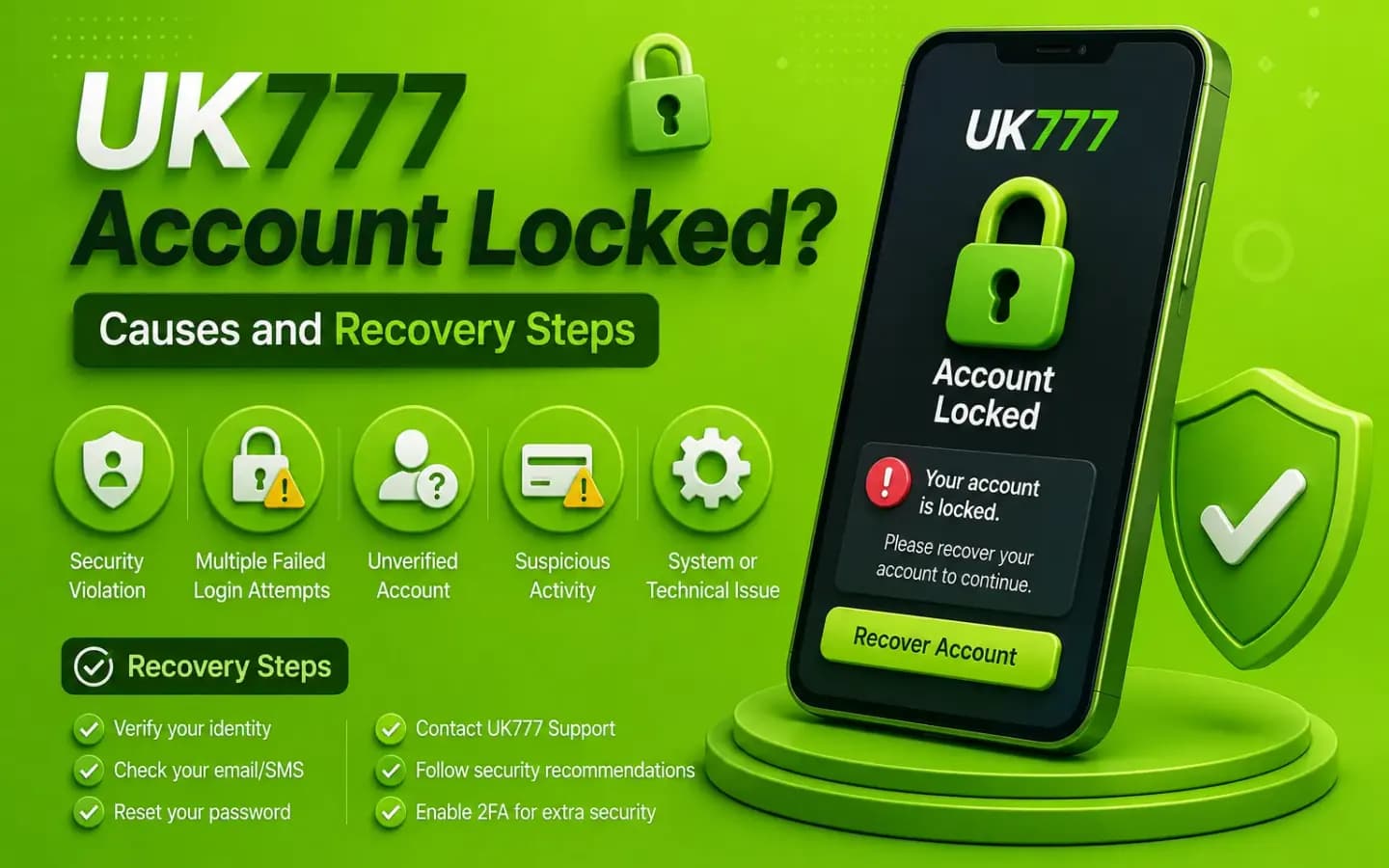
A locked UK777 account showing the sign-in error and the recovery route back into the accountAccount & Login

UK777 Account Locked? Causes and Recovery Steps

Published August 8, 2026

A UK777 account may be temporarily locked after repeated failed logins, unusual device access, verification problems or suspicious activity.

An account lock does not always mean that the account has been permanently closed. It may be a security measure intended to prevent unauthorized access.

The correct response is to stop repeated attempts, save the error message and use the verified recovery process.

1. Repeated Incorrect Passwords

Several failed login attempts may trigger a temporary restriction.

This can happen because of:

  • Forgotten password
  • Incorrect capitalization
  • Wrong keyboard language
  • Saved outdated password
  • Another person attempting access

Use the password-recovery option rather than continuing to guess.

2. Too Many OTP Requests

Repeated OTP requests may look suspicious or invalidate earlier codes.

Wait before requesting another one and use only the latest code.

Never pay anyone to activate or release an OTP.

3. Login From a New Device

The platform may request additional verification when an account is opened from:

  • A new phone
  • Another browser
  • A PC
  • An Android emulator
  • A different location
  • A new internet connection

Unexpected new-device alerts should be treated as a possible security issue.

4. Unusual Account Activity

A restriction may follow:

  • Password changes
  • New withdrawal details
  • Large or unusual transactions
  • Several payment methods
  • Rapid location changes
  • Repeated deposits or withdrawals
  • Multiple active sessions

Save the transaction history before contacting support.

5. Identity Verification Is Incomplete

The account may be restricted when submitted information does not match.

Possible issues include:

  • Different names
  • Blurred documents
  • Expired identity document
  • Incorrect date of birth
  • Payment-account mismatch
  • Multiple accounts

Do not submit edited or false documents.

6. Multiple Accounts Were Detected

Some platforms restrict one person, phone number, device or payment method to one account.

Creating another account to solve a login problem may make recovery more difficult.

Use the original account's recovery process.

7. A Security or Policy Review Is Active

An account may be placed under review because of suspected rule violations or transaction concerns.

Request the reason in writing and ask which documents or steps are required.

Avoid admitting to actions you did not take simply to speed up the process.

What to Do When the Account Is Locked

  1. 1Stop repeated login attempts.
  2. 2Screenshot the error message.
  3. 3Record the date and time.
  4. 4Check email and SMS notifications.
  5. 5Use Forgot Password when appropriate.
  6. 6Review recent account activity.
  7. 7Contact verified support.
  8. 8Request a ticket number.
  9. 9Submit only necessary evidence.
  10. 10Save every written response.

Do not create a second account unless written support instructions allow it.

Information Support May Need

Prepare:

  • Account ID
  • Registered mobile number
  • Approximate registration date
  • Last successful login
  • Recent transaction IDs
  • Error screenshot
  • Device type
  • Verification status
  • Masked payment details

Never provide:

  • Complete password
  • Mobile-wallet PIN
  • Banking password
  • Full OTP
  • Remote-control access

Account-Unlock Scam Warning

Scammers may claim that they can unlock a UK777 account after receiving payment.

Warning signs include:

  • Personal wallet payment request
  • Guaranteed recovery
  • Request for OTP
  • Request for screen sharing
  • Request for identity documents through private chat
  • Threat of balance deletion
  • Demand for a refundable security fee
  • Contact outside the verified platform

An account-recovery process should be documented through a support ticket or official channel.

What if the Balance Is Still in the Locked Account?

Save evidence of:

  • Last visible balance
  • Deposit history
  • Withdrawal history
  • Bonus balance
  • Pending transactions
  • Payment receipts

Ask support whether the account is temporarily restricted, under review or permanently closed.

Request the applicable rule or written reason.

How to Reduce Future Lockouts

  • Use a password manager.
  • Keep the registered number active.
  • Update recovery details.
  • Avoid repeated login attempts.
  • Log out of shared devices.
  • Review active sessions.
  • Do not share the account.
  • Use one verified domain.
  • Keep transaction records.
  • Avoid installing modified APKs.

Conclusion

A locked UK777 account may result from failed logins, OTP requests, new-device access, verification issues or unusual transactions.

Stop repeated attempts and document the problem. Contact verified support, protect your password and OTP, and avoid anyone demanding money to restore access.

Related Guides

Sign-in steps, password recovery and account protection. UK777 Login Guide

Why a verification code may not arrive and what to check. UK777 OTP Not Received

Spot fake domains, cloned apps and scam support accounts. How to Identify a Fake UK777 Website

Frequently Asked Questions

01How long does a UK777 account lock last?

No fixed duration should be assumed. It depends on the reason and verification process.

02Can I create a new UK777 account?

Doing so may violate account rules. Recover the original account first.

03Will support ask for my password?

No legitimate support process should require your complete password.

04Why was my account locked after changing devices?

A new device or location may trigger additional security checks.

05Can an agent unlock the account for a fee?

Do not pay a private agent. Use only the verified account-recovery process.

06What evidence should I save?

Keep the error message, account ID, transaction history, receipts and support ticket.

Get the App and Create Your Account