
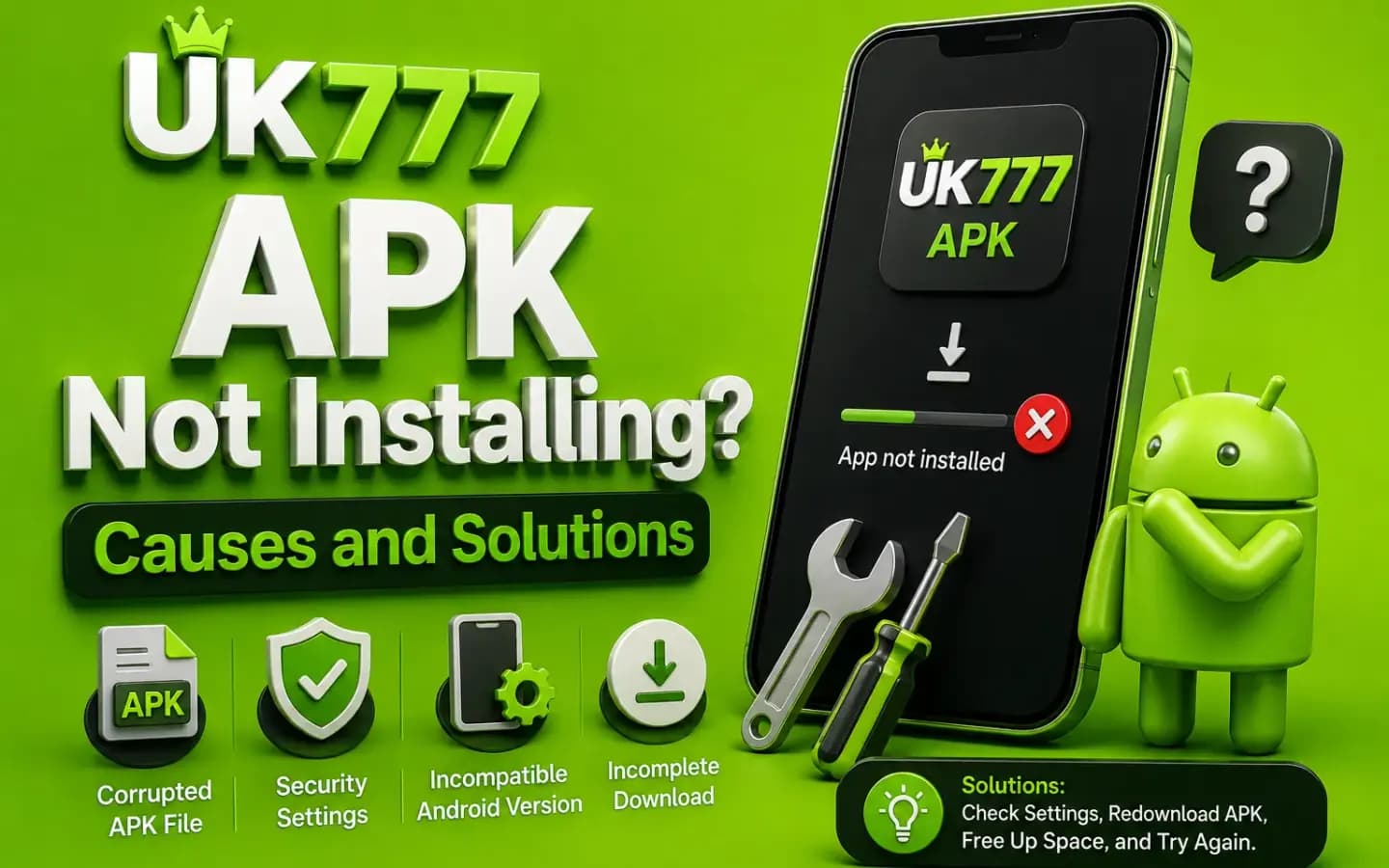
A UK777 APK failing to install on an Android phone, showing the installation errorDownload & Install

UK777 APK Not Installing? Causes and Solutions

Published August 8, 2026

A UK777 APK may fail to install because of an incomplete download, insufficient storage, incompatible Android software or blocked installation permissions.

The error does not always mean that the phone is damaged. In many cases, the problem can be solved by checking the file, device settings and available storage.

However, users should not download several APK files from random websites just to find one that installs. A working file is not automatically genuine or secure.

This guide explains the common reasons behind UK777 installation errors and the safest steps to try.

Why Is the UK777 APK Not Installing?

Android may block an APK for several different reasons. The exact error message can help identify the cause.

Common messages include:

  • App not installed
  • Package appears to be invalid
  • There was a problem parsing the package
  • Installation blocked
  • Not enough storage
  • App is incompatible with your device
  • Package conflicts with an existing app

Write down or screenshot the message before changing any settings.

1. The APK Download Is Incomplete

An unstable internet connection may stop the file before the download is complete.

The APK may still appear in the Downloads folder, but Android cannot install it correctly.

How to Fix It

Delete the incomplete file and download it again over a stable connection.

Before reopening it:

  • Check that the download has finished.
  • Compare the file size with the amount displayed on the verified page.
  • Confirm that the file ends with .apk.
  • Scan it with a reputable mobile-security tool.

Do not rename another file type to .apk.

2. There Is Not Enough Storage

Android needs free storage for both the downloaded file and the installed application.

Installation may fail even when the APK itself is small because the system also needs temporary space.

How to Fix It

Open the phone's storage settings and check the available space.

You can remove:

  • Unused downloads
  • Duplicate videos
  • Old screenshots
  • Unused applications
  • Temporary browser files

Avoid deleting personal files without making a backup.

3. Installation Permission Is Blocked

Applications downloaded outside Google Play may require permission to install from the browser or file manager.

The setting is often called:

  • Install unknown apps
  • Allow from this source
  • Unknown app installation
  • Special app access

How to Fix It

Open the security or app settings and allow installation only for the browser or file manager being used.

After installing the app, disable the permission again.

Do not allow every application to install unknown files.

4. The Android Version Is Not Compatible

An APK built for newer Android software may not work on an older phone.

The current UK777 Android requirement has not been independently verified, and third-party websites may display conflicting details.

How to Check

Open:

  • Settings → About Phone → Android Version

Compare the device version with the requirement shown on the verified download page.

Do not install an APK that requires a newer system than the phone supports.

5. An Older UK777 Version Is Causing a Conflict

Android may reject a new APK when an older version was signed by a different publisher.

This can happen when files are downloaded from different websites.

How to Fix It Safely

Before uninstalling the existing app:

  • Confirm that you know the login details.
  • Save the account ID.
  • Screenshot any pending transaction.
  • Check whether the current balance is visible in the account.
  • Confirm the replacement file source.

Removing an app normally does not delete an online account, but losing login information can make access difficult.

6. The APK File Is Corrupted or Modified

A corrupted APK may produce a parsing or invalid-package error.

Modified APKs may also fail because their internal code or signature has been changed.

Avoid files described as:

  • UK777 hack APK
  • Unlimited balance APK
  • Mod menu
  • Guaranteed winning version
  • Premium unlocked APK

These files may contain malware, credential-stealing code or altered payment screens.

7. Google Play Protect Blocks the App

Play Protect may warn users when an application comes from outside Google Play or appears suspicious.

Do not dismiss the warning automatically.

Check:

  • The download domain
  • The file scan
  • Requested permissions
  • Publisher information
  • Whether other trusted security tools report a problem

A real-money app should not need access to contacts, call history, SMS messages or device-administrator controls without a clear reason.

8. The APK Was Downloaded for the Wrong Device Type

Some Android applications are built for specific processor types or screen formats.

A file designed for another device architecture may not install or may close immediately after installation.

The download page should clearly identify supported devices. When it does not, avoid guessing.

Safe UK777 APK Installation Checklist

Before installation:

  • Confirm the complete domain.
  • Check the APK file name.
  • Compare the version and size.
  • Scan the file.
  • Review permissions.
  • Save account details from any older version.
  • Keep Android security updates active.
  • Avoid modified files.
  • Disable unknown-app permission afterward.

When Should You Stop Trying?

Stop the installation process when:

  • Several security tools report malware.
  • The APK requests unrelated permissions.
  • The download redirects through several unknown domains.
  • The file publisher changes without explanation.
  • The website asks you to disable antivirus software.
  • A private agent sends a different APK.
  • The app requests mobile-wallet credentials.

A failed installation is safer than installing a suspicious file.

Conclusion

A UK777 APK installation error is commonly caused by storage, compatibility, permission or file-integrity problems.

Start with the safest checks. Confirm the source, download the file again, review permissions and verify the Android version. Never solve an installation problem by downloading a modified or unknown APK.

Related Guides

Step-by-step APK download and installation instructions. UK777 Download Guide

Password recovery, OTP problems and account-lock help. UK777 Login Guide

Spot fake domains, cloned apps and scam support accounts. How to Identify a Fake UK777 Website

Frequently Asked Questions

01Why does UK777 say “App not installed”?

The APK may be incomplete, incompatible, damaged or in conflict with an older installation.

02Can I install UK777 without allowing unknown apps?

An APK downloaded outside Google Play normally requires temporary installation permission.

03Should I uninstall the old version first?

Only after saving your login details and confirming that the replacement APK comes from a verified source.

04Why does Play Protect warn me?

The app may be outside Google Play or may contain suspicious behaviour. Investigate the warning rather than ignoring it.

05Can I install a UK777 APK on iPhone?

No. APK files are designed for Android devices.

Get the App and Create Your Account