
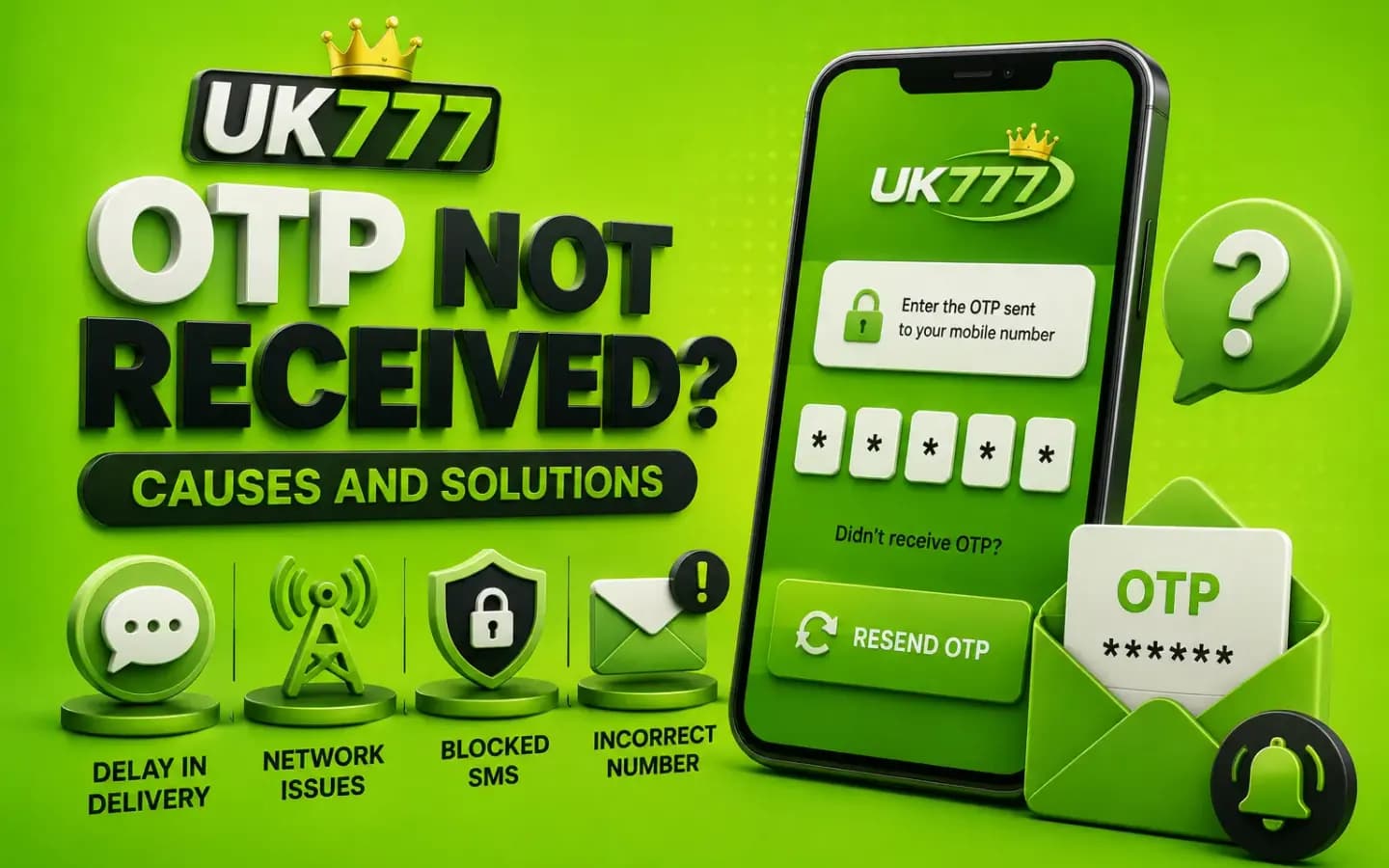
A UK777 OTP screen waiting on an SMS verification code that has not arrivedAccount & Login

UK777 OTP Not Received? Causes and Solutions

Published August 8, 2026

A UK777 OTP may be required during registration, login, password recovery or withdrawal verification.

When the code does not arrive, users may repeatedly press the resend button or contact an unknown support account. Both actions can create additional security problems.

An OTP delay may be caused by a weak mobile signal, incorrect number, SMS filtering, temporary platform issue or too many recent requests.

This guide explains what to check without exposing the account to scammers.

What Is a UK777 OTP?

OTP means one-time password.

It is a temporary code used to confirm that a user controls a mobile number or approves a sensitive account action.

The code may appear during:

  • New account registration
  • Login from a new device
  • Password recovery
  • Mobile-number verification
  • Withdrawal requests
  • Payment-detail changes
  • Security checks

An OTP should be entered only on the verified UK777 website or app.

1. The Mobile Number Is Incorrect

A missing digit, incorrect country code or accidental space can prevent delivery.

Pakistani numbers may be entered differently depending on the form. Some forms require the local format, while others automatically add the country code.

Check the number before requesting another code.

2. The Mobile Signal Is Weak

SMS delivery may be delayed when the phone has low network coverage.

Try:

  • Moving to an area with better reception
  • Turning airplane mode on and off
  • Restarting the phone
  • Checking whether normal SMS messages arrive
  • Switching SIM slots on a dual-SIM phone

Do not change the registered number unless the platform provides a verified recovery process.

3. Too Many OTP Requests Were Made

Repeated requests may invalidate earlier codes or trigger a temporary restriction.

Wait before requesting another OTP.

When a new code arrives, use the most recent one because older codes may no longer work.

4. SMS Messages Are Being Filtered

The phone or mobile network may block automated messages.

Check:

  • Spam or blocked-message folders
  • SMS filtering applications
  • Blocked sender settings
  • Inbox storage
  • Network-level promotional-message restrictions

Avoid installing an unknown SMS-reading app to receive the code.

5. The OTP Has Expired

OTP codes are usually valid for a limited period.

Enter the code promptly and avoid switching between several browser tabs or applications.

When the code expires, request a new one through the verified page.

6. The Platform Is Experiencing a Temporary Problem

The SMS service may be delayed even when the phone and number are correct.

Save a screenshot of the error and wait before trying again.

Do not create another account with the same number because that may lead to duplicate-account problems.

7. The UK777 App Is Outdated

An older app may fail to send or process OTP requests correctly.

Check for an update through the same verified source used for the original installation.

Do not install an update sent privately by someone claiming to be support.

What to Do When the OTP Is Not Received

Follow these steps in order:

  1. 1Check the entered phone number.
  2. 2Confirm the country code.
  3. 3Check mobile signal.
  4. 4Restart the phone.
  5. 5Look in blocked or spam SMS.
  6. 6Wait before requesting another code.
  7. 7Use only the newest OTP.
  8. 8Try the verified browser version.
  9. 9Save the error message.
  10. 10Contact support through the account or verified website.

Avoid repeated attempts because they may temporarily lock the account.

OTP Safety Rules

Never share an OTP with:

  • A WhatsApp agent
  • A Telegram contact
  • A caller claiming to be support
  • A social-media page
  • Another player
  • A payment representative
  • A screen-sharing helper

An OTP can approve a login, password reset or payment change.

A support representative should not need the full code.

UK777 OTP Received Without Request

An unexpected OTP may mean that someone is trying to:

  • Log in to the account
  • Reset the password
  • Change payment details
  • Complete a transaction
  • Register using the mobile number

Do not enter or share the code.

Immediately:

  • Change the account password.
  • Review active sessions.
  • Check transaction history.
  • Confirm payment details.
  • Contact verified support.
  • Change reused passwords elsewhere.

OTP Problem During Withdrawal

When an OTP does not arrive during withdrawal:

  • Do not create another withdrawal request.
  • Confirm the registered mobile number.
  • Check whether the account is under verification.
  • Save the withdrawal request ID.
  • Avoid paying anyone for OTP activation.
  • Ask support for a written explanation.

No private person can legitimately generate or release an OTP for a fee.

Conclusion

When a UK777 OTP does not arrive, first check the mobile number, country code, signal and SMS filters. Wait before requesting another code and use only the latest OTP.

Never share verification codes with another person. An OTP protects account access and payment actions, so unexpected codes should be treated as a security warning.

Related Guides

Full registration walkthrough, from OTP to password. UK777 Registration Guide

Sign-in steps, password recovery and account protection. UK777 Login Guide

Verification, processing checks and pending-request help. UK777 Withdrawal Guide

Frequently Asked Questions

01Why is my UK777 verification code delayed?

Network congestion, weak signal, incorrect details or repeated requests may cause a delay.

02Can UK777 support ask for my OTP?

A legitimate support representative should not ask for the complete OTP.

03Which OTP should I use after requesting several codes?

Use the newest code. Previous codes may have expired automatically.

04Why did I receive an OTP without logging in?

Someone may have entered your number or attempted account access.

05Can I change my registered mobile number?

The platform may provide an account-recovery or verification process. Use only the verified support route.

Get the App and Create Your Account